
🏠 forYour Memories.
Native Experience for Synology Photos.
Coming soon to the Mac App Store
Free to download. Built in Swift, for the Mac.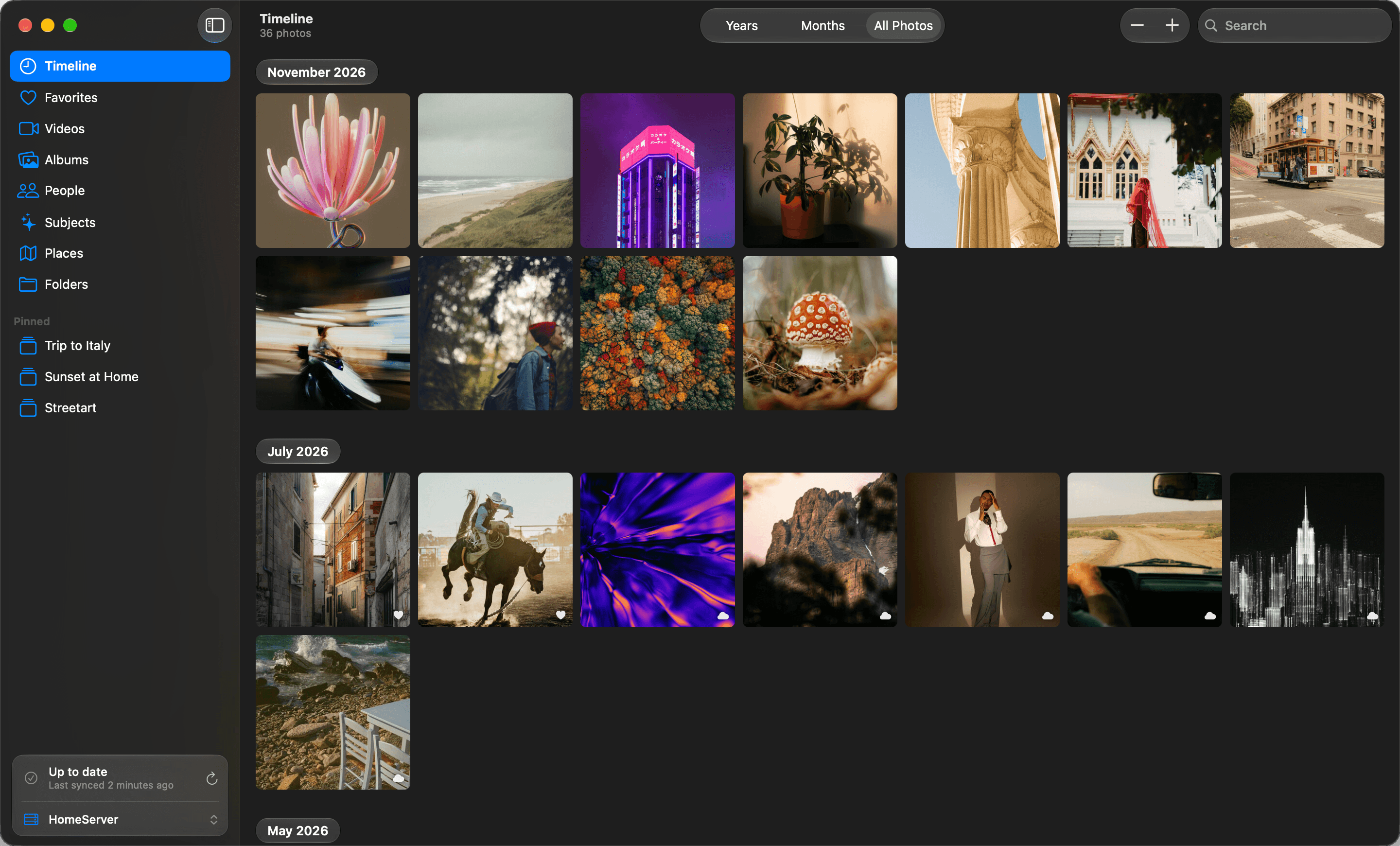

Offline?
Your Photos, Wherever you go.
Keep Photos offline. Pin Albums. Manage Storage.
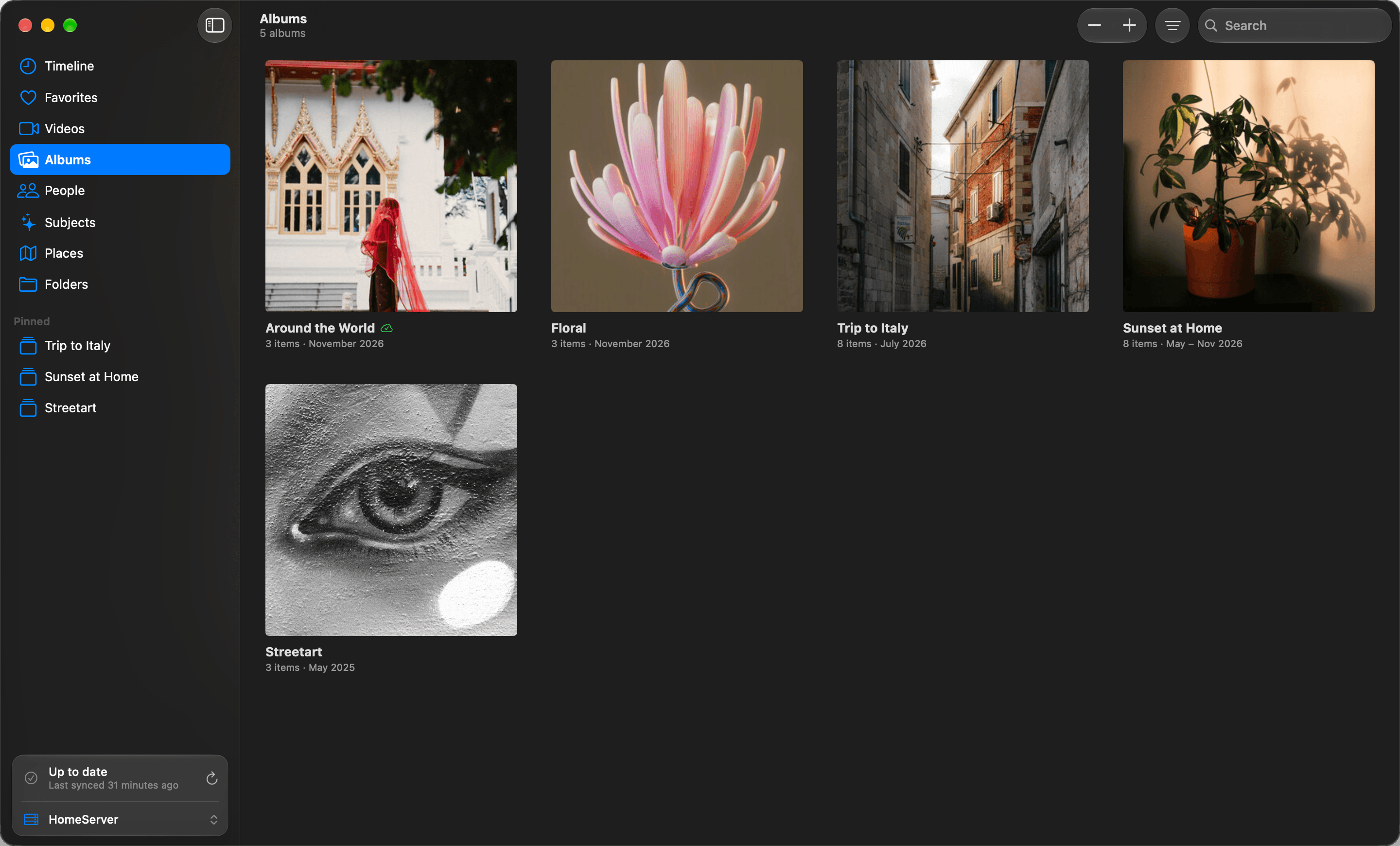
Save Space. You decide what stays offline.
Every photo's date, size and location is kept on your Mac. You decide what else stays.
Originals, in full quality
Photos from the period you choose are stored as their original files.
Favorites stay with you
Every favorite is kept in full quality, whatever its age.
Thumbnails for the rest
Turn on small previews to browse the whole library offline.
Syncing that keeps its place
Pause or quit part way. Nothing is removed while your server is out of reach.
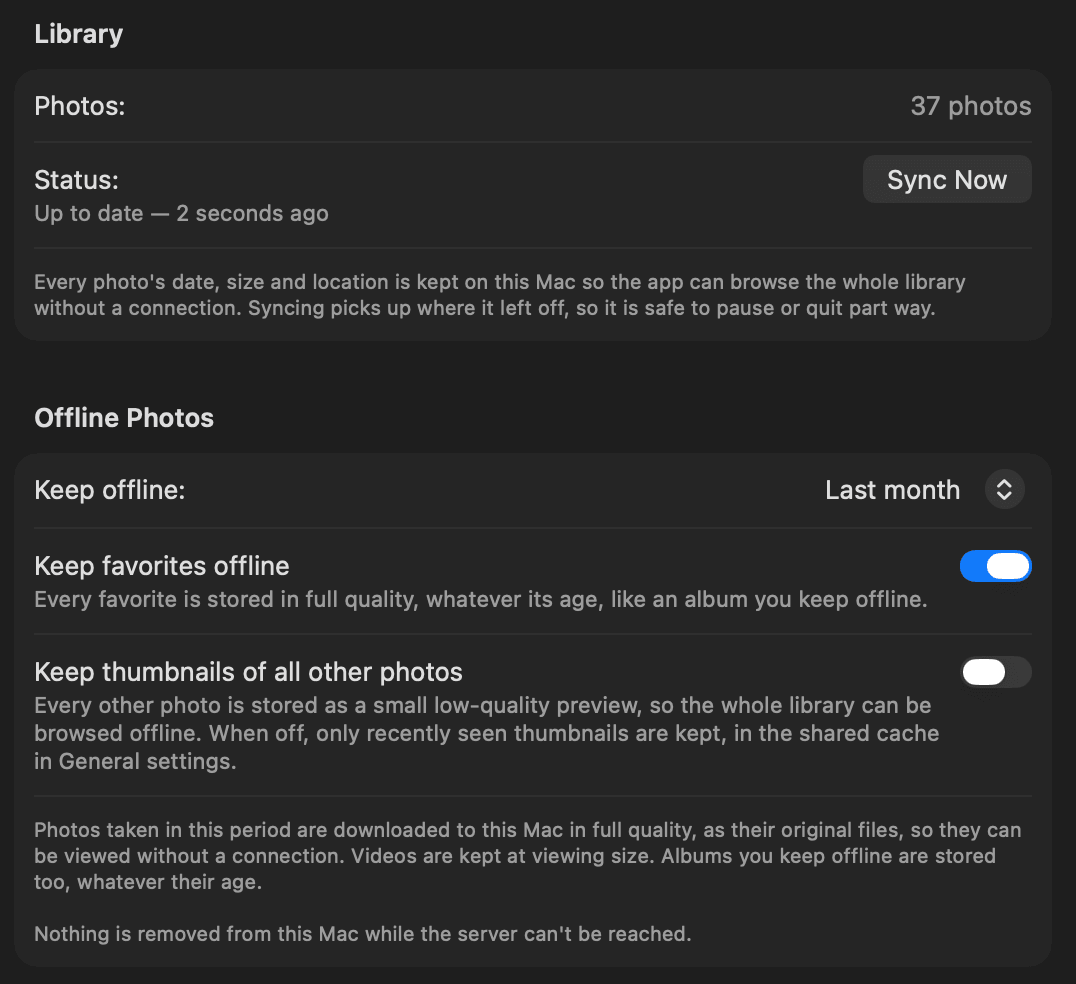
Photos in Fullscreen.
Your Map. Your People.
Your Subjects.
Powerful Search.
Map, People and Subjects are part of FlowGallery Pro.
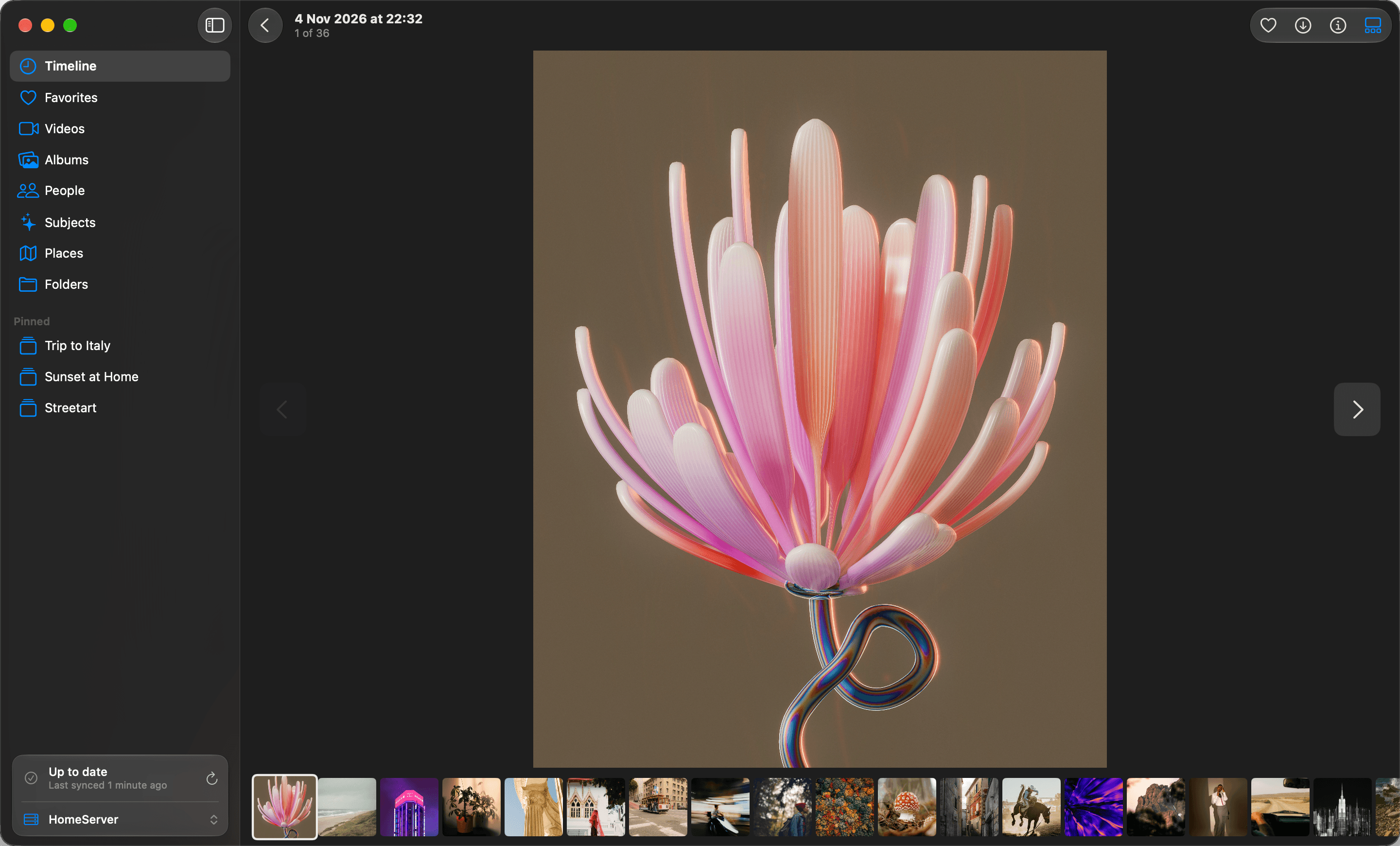
Your Server.
Your Friend's Server.
Your Family's Server.
Use many Synology Photos libraries at the same time, all in one app.

FlowGallery Pro
Your whole library, wherever you are
People and subjects
Browse your photos by who and what is in them, online or off.
Places
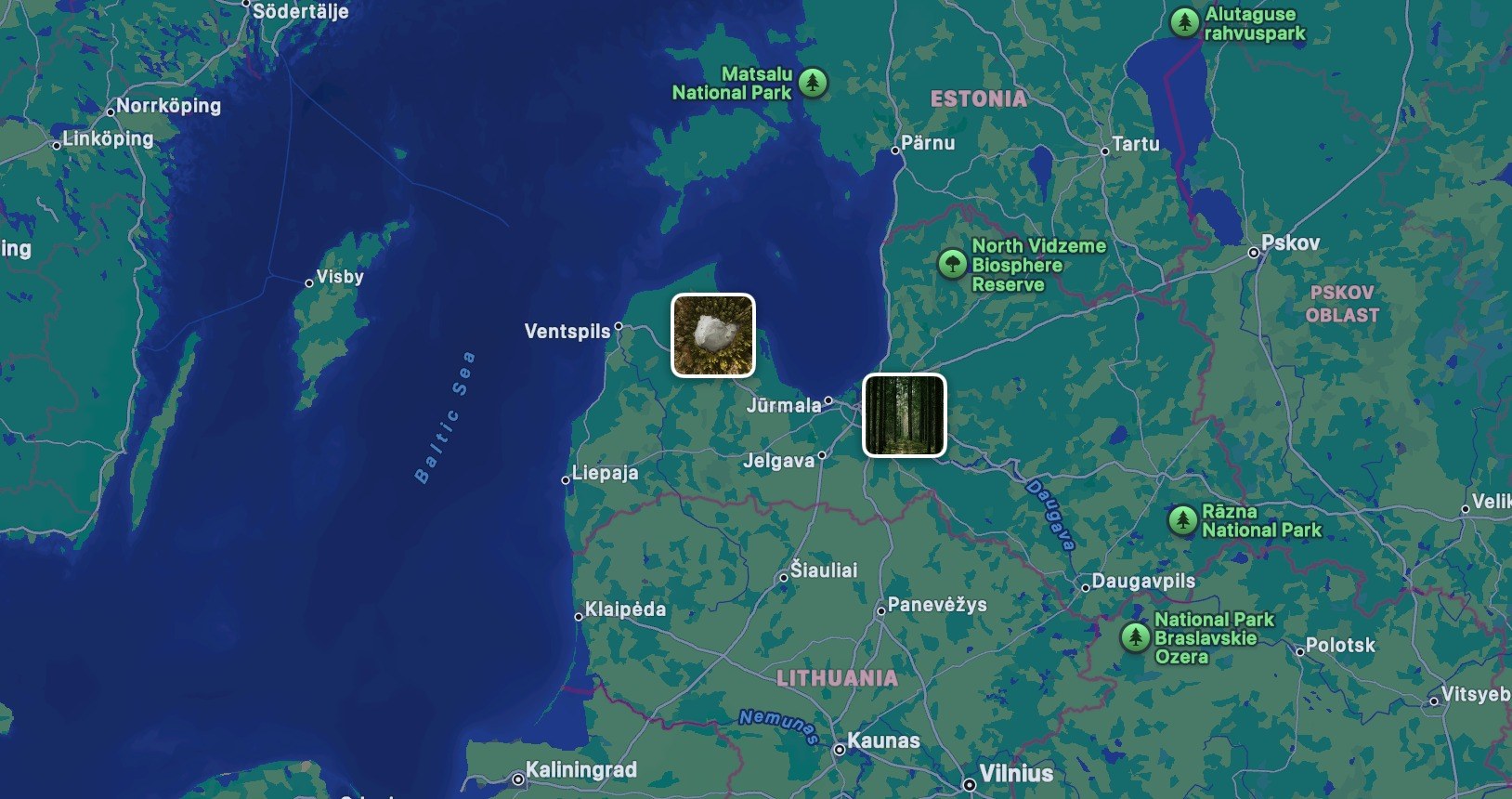
See your photos on the map, anywhere.
Your whole library offline
Keep months, years or every photo on this Mac.
Albums offline
Keep any album on this Mac.
FlowGallery will be free to download, with Pro at $14.99 as an in-app purchase.
Coming soon to the Mac App Store
Compatibility
What you need to use FlowGallery.
macOS 26 or later
FlowGallery is a Mac app and needs macOS 26 Tahoe or newer.
Synology Photos on DSM 7 or later
Your NAS needs the Synology Photos package. Photo Station and Moments aren't supported.
Connects by QuickConnect or address
Sign in with your Synology QuickConnect, server's IP address or domain name and port. Outside your local network, the connection must use HTTPS.
Two-factor and self-signed certificates
Both work, so you can keep your server's security settings as they are.
Need a hand?
Questions, bugs or ideas. Just send an email.